
Scan time: 2-3 minutes / Read time: 3-5 minutes
⠀
Hello rebel ideapreneurs 🦸♂️🦸♀️
⠀
🙋♀️ Paige’s course that nobody has seen
Paige is a marketing manager who is building an online course on the side.
It teaches small bakeries how to find more local customers.
For four months, she has worked on it almost every evening.
She has slides for ten lessons, four videos recorded, and a logo she has redone twice.
Not one bakery owner has seen any of it.
She tells herself she’ll show it to people once it’s finished.
🧩 Her struggle:
She’s building the whole course before anyone has tried it, so she’ll only find the problems once they’re hard to fix.
On Saturday, her brother texts her a link to the true story of an inventor.
His company had already helped build one handheld computer that came out big, slow, and too expensive.
He still built a company that sold for $44 million.
His next idea started out as a piece of wood.
⠀
🪵 The inventor who took notes on a block of wood
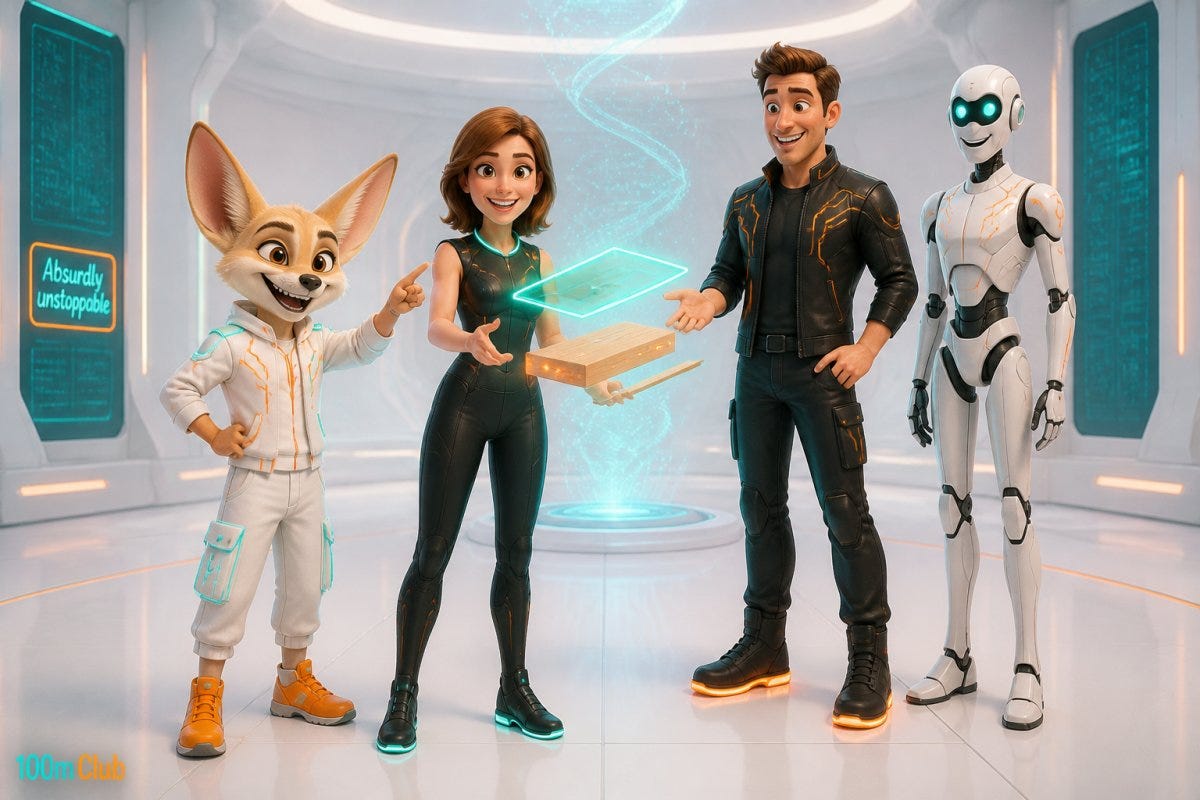
Jeff Hawkins sat in a meeting, taking notes on a block of wood with a chopstick.
The block had no screen.
It had no battery, and nothing inside it at all.
He was just pretending it was a computer.
Jeff was the founder of Palm Computing, a small company in Los Altos, California.
Palm made software for handheld computers,
small devices you could carry around to keep your calendar and your phone numbers.
Years earlier, Jeff had designed one of the first tablet computers, called the GRiDPad.
Jeff later said it was too big.
Then Palm helped build a handheld called the Zoomer, together with three other companies.
The Zoomer was big, clunky, and slow, and it cost too much.
It taught Palm a lot about what people actually wanted from a handheld computer.
So for the next one, Jeff did something odd.
When people asked how small the new device should be, his answer was, “Let’s try the shirt pocket.”
Then he went to his garage and cut a block of wood to fit his shirt pocket.
He glued paper printouts onto it, each one with a different layout of buttons, to see which one worked best.
He used a chopstick as the pen.
Then he carried the block around and used it as if it were real.
He’d pull it out and tap on it, as if he were checking his calendar.
In meetings, he took pretend notes on it.
He counted how many steps it took to do the everyday jobs, like finding a phone number.
He did all of this before his team built a single real one.
Palm had enough money to design the new device, but not enough to get it into stores.
So in September 1995, a much bigger company called U.S. Robotics bought Palm.
It paid with shares, small pieces of its own company, worth about $44 million in total.
The device came out in the spring of 1996 as the PalmPilot, for $299.
Get this — about a million PalmPilots sold in the first eighteen months.
Jeff found the problems on a block of wood, long before a real PalmPilot existed.
⠀
🔥 The recipe
➡️ Use It Before You Build It
Jeff used a block of wood as his computer before anyone built the real PalmPilot.
This tactic is called Use It Before You Build It.
You make a fake version of your idea in an hour,
use it for a week as if it were real,
and fix every spot that feels wrong, before you build anything.
For Jeff, the fake version was a block of wood with paper buttons glued on.
Using it as if it were real meant tapping on it in meetings,
and counting how many steps the everyday jobs took.
He didn’t build the device first and then find the problems.
He found them on a block of wood in his shirt pocket, where they cost almost nothing to fix.
So when we spend months building a course before anyone has tried it, we find the problems last, when they’re hardest to fix.
Make the fake version first, and the problems show up while they’re still cheap to fix.
Jeff had to cut a block of wood in his garage.
Today your AI sidekick can write a fake version of your course in a few minutes,
then pretend to be a student going through it.

⠀
🛠️ Paige’s turn
Let’s check in on Paige and her bakery course.
Four months in, no bakery owner has seen a single lesson.
That night, she runs the prompt at the bottom of this email,
and tells it she has ten lessons planned and nobody has tried even one.
Her AI sidekick doesn’t waste words:
Stop recording, put your first lesson on one printed page, and walk a real bakery owner through it this week.
Then do the same with each lesson, before you record it.
On Monday morning, Paige prints the page and takes it to the bakery on her street.
⠀
🌅 Six weeks later
Paige has walked five bakery owners through the paper version of her course.
Three of them asked the same first question, so she moved the lesson that answers it to the front.
She cut two lessons that nobody needed.
Now she’s recording again, and eleven bakery owners have asked her when the course opens.
Your idea doesn’t have to be finished before someone tries it.
Make a fake version in an hour, and you’ll see what’s wrong with it.
Use it before you build it.
That’s it, my fellow contrarians!
Yours ‘proving one person with an AI sidekick can build something amazingly big’ Vijay Peduru 🦸♂️
⠀
⠀
⠀
⠀
⠀
🏄♀️ The prompt
Give your AI sidekick what you’re building and who it’s for.
It makes the fake version, then tries it out like one of your readers.
🧰 What you’ll need
What you’re building, and how far along you are
- A few lines. Type it, or say it out loud with a voice tool, messy is fine.
- e.g. A course that teaches small bakeries how to find more local customers. I’ve planned ten lessons, made slides for all ten, and recorded four videos. No bakery owner has seen any of it yet.Who it’s for
- One or two lines on the person you picture using it.
- e.g. Owners of one or two small neighborhood bakeries. They start baking at 4 a.m. and have almost no time for marketing.
🚀 How to run it
Open your AI sidekick, ChatGPT, Claude, or whichever one you use. The best is one that can already see your notes, wherever you keep them (on your computer, on the web, or in the cloud).
Swap the two examples, the text inside the curly brackets, for your own, then run it. If your AI sidekick can already see your notes, you can run it as is.
🧪 Want to test it first? Run it without changing anything, and it will use the examples.
CONTEXT
- Use my own material first. If you can see my notes, my outlines, or my lesson plans, wherever they are stored, read them there. If I uploaded a file, read that. Use the examples below only if you have nothing else.
- Write in plain, friendly words, like a friend who wants my idea to work.
- If you know who my readers are, use them. Otherwise assume the people in input 2.
- If I have replaced the examples, use only mine. If an example is still there, fill it in from what you already know about me, and mark it as your assumption. If you don't know anything about me yet, use the example exactly as written. If I dictated an input, it will be messy; that is fine, do not ask me to clean it up.
- The one rule for this build: nothing gets built for real yet. Everything you suggest must take me under an hour to make, and must be something a real person can hold, read, or click through.

INPUTS
1. What I'm building, and how far along I am:
   {e.g. A course that teaches small bakeries how to find more local customers. I've planned ten lessons, made slides for all ten, and recorded four videos. No bakery owner has seen any of it yet.}
2. Who it's for:
   {e.g. Owners of one or two small neighborhood bakeries. They start baking at 4 a.m. and have almost no time for marketing.}
END OF INPUTS

OUTPUT
1. The fake version. Turn what I'm building into something I can make in under an hour and put in front of one real person. For a course, that is the first lesson on one printed page. For a newsletter, one issue. For a podcast, a one-page outline of one episode I could talk through. Write it out in full, on one page, in plain words.
2. The pretend reader. Play one person from input 2 going through the fake version for the first time. Say out loud, in their words, every place they get confused, bored, or stuck, and every question they would ask. Do not be polite. Do not invent facts about real people or businesses.
3. The three biggest problems you found, each with one fix.
4. My week. Tell me who to walk through the fake version this week, where I could find one of them near me or online, and three things to watch for while they use it.
5. Finish with the fixed one-page fake version on its own, ready to print or send.